Used Cars with Android Auto for Sale in Baytown, TX



















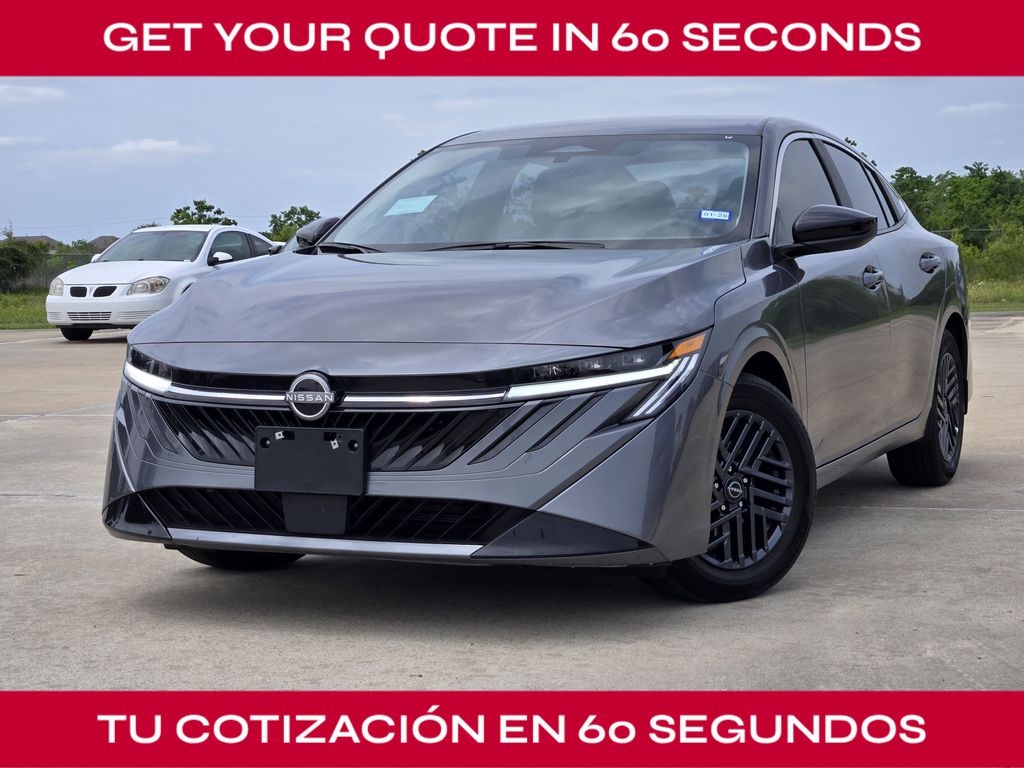



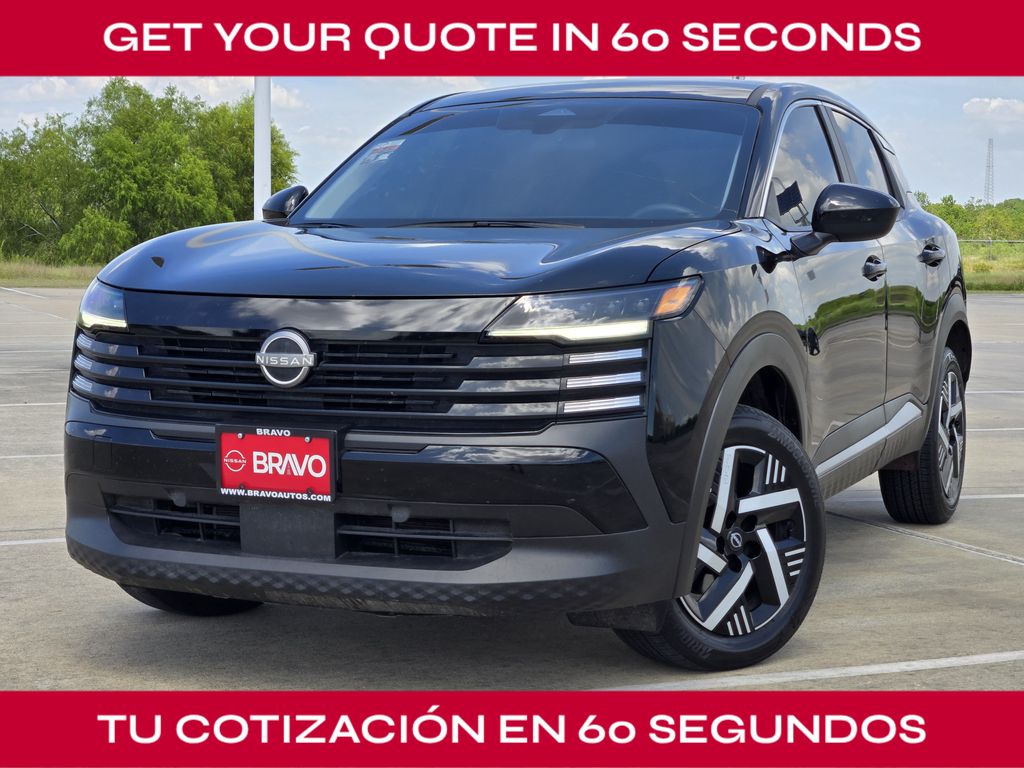
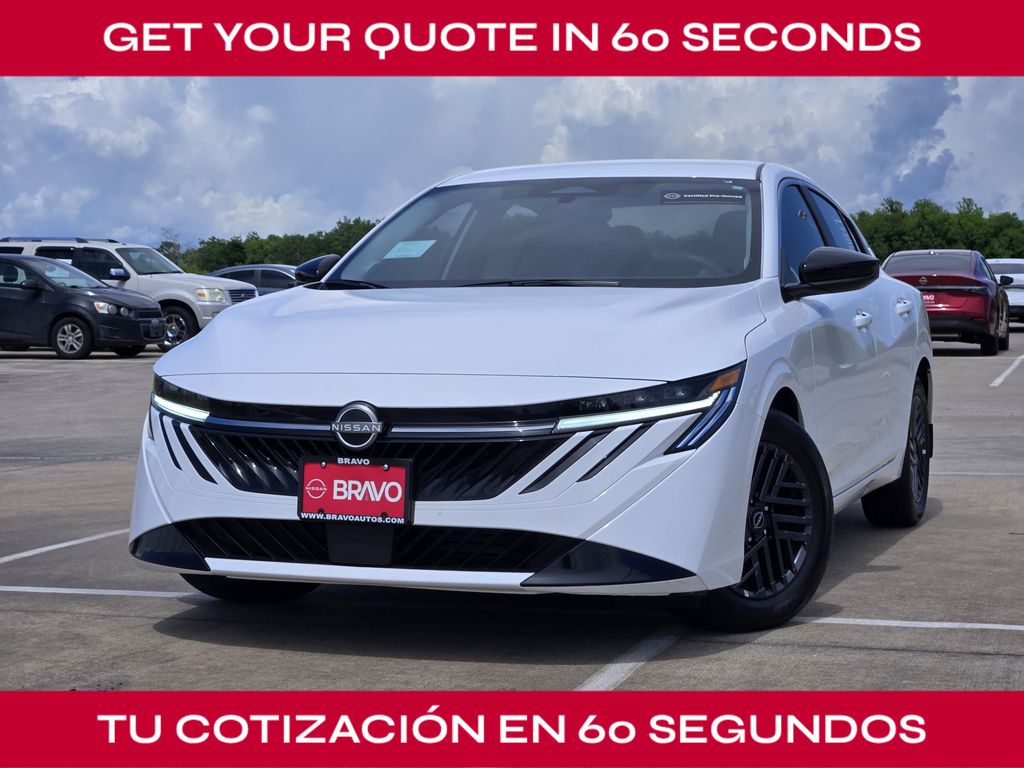

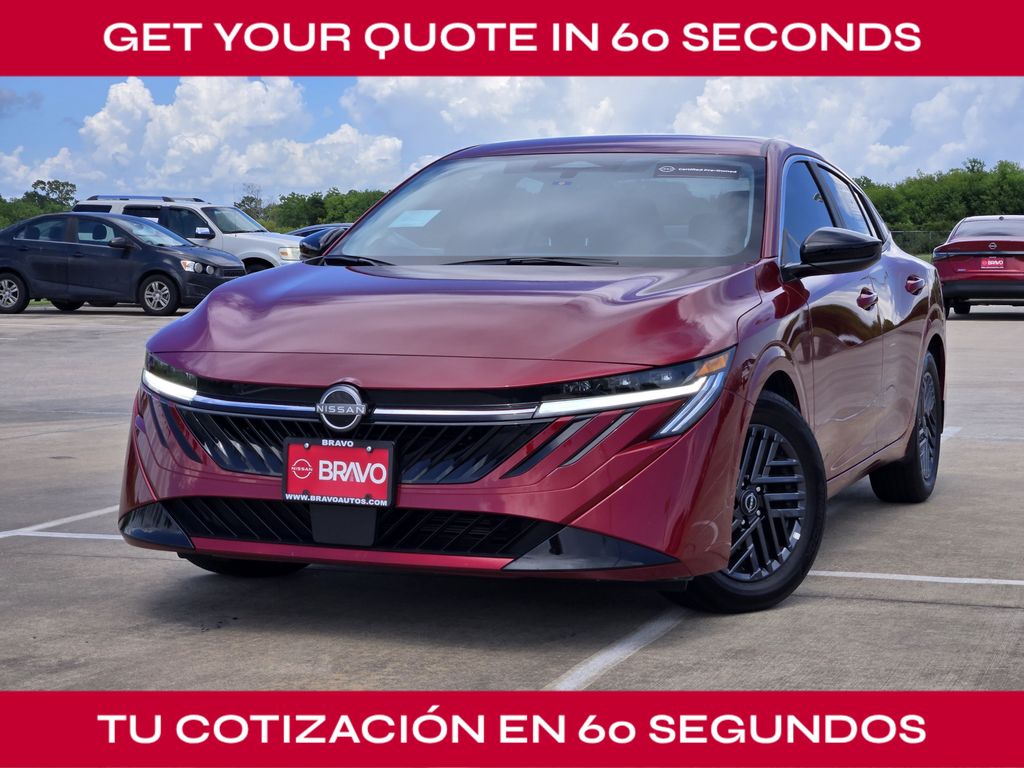

Frequently Asked Questions about Used Cars with Android Auto in Baytown, TX
Can I find used vehicles with wireless Android Auto connectivity?
Yes, many newer pre-owned models, such as the Nissan Kicks or Nissan LEAF, offer wireless Android Auto. This allows you to access your apps without needing a physical cable, keeping your cabin organized during your daily errands in Baytown, TX.
Which Nissan models typically feature Android Auto support?
Android Auto is widely available across our pre-owned inventory, including the Nissan Rogue, Pathfinder, and Murano. You can verify the specific tech features of any vehicle by checking our current inventory online.
How does Android Auto improve safety while driving?
Android Auto enables voice-controlled navigation and messaging, allowing you to keep your eyes on the road and hands on the wheel. It minimizes distractions, which is especially helpful when navigating busy corridors like I-10 or State Hwy 146.
Will my existing phone work with a used car equipped with this feature?
Most Android devices running a current operating system are compatible with the systems found in our pre-owned Nissan lineup. During your test drive, our team can help you pair your phone to ensure the system meets your connectivity needs.
Are there differences between wired and wireless Android Auto?
Wired Android Auto requires a USB connection, which also charges your phone, while wireless versions offer a cleaner look by reducing cable clutter. Both provide the same access to maps, media, and voice-activated assistance.
Have Additional Questions?
If you are comparing multiple options, narrow the choice by powertrain feel, cargo shape, second-row comfort, technology controls, and the shopping steps you want to finish online.
Whether you are looking for a compact commuter like the Sentra or a family SUV like the Pathfinder, we can clarify which trims include your preferred connectivity.
Please reach out to us if you need assistance with specific vehicle specs or financing options.
Why Connectivity Matters for Your Daily Routine
In a busy market like Baytown, TX, having reliable smartphone integration is more than a luxury; it is a tool for efficiency. Whether you are commuting on State Hwy 99 or running errands near local parks, Android Auto ensures your navigation and music are always just a voice command away.
By mirroring your phone's interface onto the vehicle's display, you avoid the need to handle your device while driving. This focus on ease of use is a key reason many shoppers prioritize this technology when browsing our used vehicle selection.
- Voice-activated navigation reduces the need to pull over or look at a handheld screen for directions.
- Streaming your favorite audio services through the vehicle speakers provides a clear, high-quality listening experience for any commute.
- Simplified messaging allows you to stay in touch with family or work while keeping your focus entirely on the road ahead.
Beyond the tech, consider how your vehicle's cabin layout supports this feature. A well-placed touchscreen, such as those found in the Nissan Murano or Rogue, makes interacting with these apps intuitive during your daily drive.
Take a moment to think about your specific driving habits. Does your route involve frequent highway merging where quick navigation updates are vital? If so, prioritizing a vehicle with responsive, integrated tech will make every trip more predictable.
Which Models Best Support Your Tech Needs
Our inventory includes various Nissan models that integrate Android Auto, ranging from fuel-efficient sedans to spacious three-row SUVs. For those who prioritize efficiency for city travel, models like the Nissan Sentra and Nissan Versa offer practical, commuter-friendly interfaces.
If you need extra cargo room for weekend outings to areas like the Battleship Texas State Historic Park, consider SUVs like the Pathfinder or the Kicks. These models provide the interior space for gear while ensuring your connectivity remains seamless throughout your trip.
- The Nissan Rogue offers a balance of cargo capacity and modern tech, ideal for families managing busy school drop-off routines.
- The Nissan LEAF provides an electric driving experience paired with advanced connectivity, perfect for those seeking to minimize fuel stops.
- For drivers who value performance and connectivity, the Nissan Z offers a driver-focused cockpit that still keeps your digital life accessible.
When selecting your next vehicle, look at how the screen size and placement affect your reach. A larger display, as seen in the Murano or LEAF, can make map details easier to read at a glance, which is a significant advantage during heavy-rain conditions or low-visibility drives.
Remember that trim levels often determine the specific tech suite included. Checking the equipment list of a particular pre-owned unit will confirm if it features the exact connectivity setup you require for your daily routine.
Comparing Your Options with Confidence
Comparing used vehicles requires looking at more than just the year or mileage. You should evaluate how the technology package fits your lifestyle. For example, if you frequently transport passengers, the rear-seat comfort of a Pathfinder might be more important than the specific screen interface.
We encourage you to use our online financing tools to understand your budget before you visit. This preparation allows you to focus your search on vehicles that offer the right balance of features, condition, and value for your household.
- Review the vehicle history and maintenance records to ensure the electronic components and infotainment systems are functioning correctly.
- Compare the cabin layout and controls across different models to see which one feels most natural for your driving position.
- Assess whether you prefer a wired connection, which charges your device simultaneously, or the convenience of a wireless setup.
When you visit Bravo Nissan, bring your phone along for a test drive. Connecting it to the vehicle's system is the best way to verify that the touch response, audio clarity, and voice recognition meet your expectations.
Consider the trade-offs between different body styles. A sedan may offer better fuel efficiency for your daily commute, while an SUV provides the versatility needed for weekend gear. Both can be equipped with the tech you need to stay connected.
Essential Checks Before You Decide
Before finalizing your choice, take a physical look at the cabin. Ensure the touchscreen is free of scratches and that all interface buttons are responsive. In the Texas heat, you also want to confirm that the climate control system works effectively, as this impacts your comfort during longer drives.
Check the condition of the USB ports if the vehicle uses wired Android Auto. A loose or damaged port can cause connectivity drops, so it is a simple but important detail to inspect during your walk-around.
- Test the audio system speakers to ensure clear sound during calls and media playback without distortion or buzzing.
- Check for the presence of steering wheel controls, as these allow you to manage volume and skip tracks safely while driving.
- Verify that the cabin lighting and display brightness are adjustable, ensuring visibility is comfortable whether you are driving at high noon or during a rainy evening.
Think about your cargo needs as well. If you are loading sports gear or groceries, ensure the liftgate access, such as the power liftgate on the Murano, does not interfere with your ability to easily reach and secure your items.
Finally, confirm that any driver-assist systems, such as ProPILOT Assist in the Armada or Rogue, are fully operational. These systems work alongside your infotainment setup to provide a comprehensive, modern driving experience.
Planning Your Visit to Bravo Nissan
When you are ready to see our pre-owned inventory in person, planning your visit helps ensure a smooth experience. Our team at Bravo Nissan is here to provide the information you need to make a well-informed decision that fits your life in Baytown, TX.
If you have a vehicle to trade, using our trade-in appraisal tool can give you a clear picture of your budget before you arrive. This helps you streamline the process and focus on the test drive and feature verification.
- Schedule your test drive during daylight hours to get a good look at the vehicle's exterior condition and interior features.
- Bring your smartphone and a charging cable so you can fully test the Android Auto connectivity in the specific vehicle you are considering.
- Map out your route to the dealership using your current vehicle to get a feel for the drive and confirm your travel time.
Use your visit to compare Nissan options by seating position, cargo access, visibility, and the way each option fits your normal driving in Baytown, TX. Before choosing a trim, check the driver-assist features, screen layout, rear-seat space, and cargo opening against the errands or commutes you handle most often in Baytown, TX.
A focused test drive should include parking visibility, highway merging, cabin noise, control placement, and how easily passengers enter and exit. Take your time, compare your favorites, and let us know if you have any questions about specific features or inventory availability.
Ready to get started? Browse our current selection online or visit our showroom to experience these tech features firsthand.